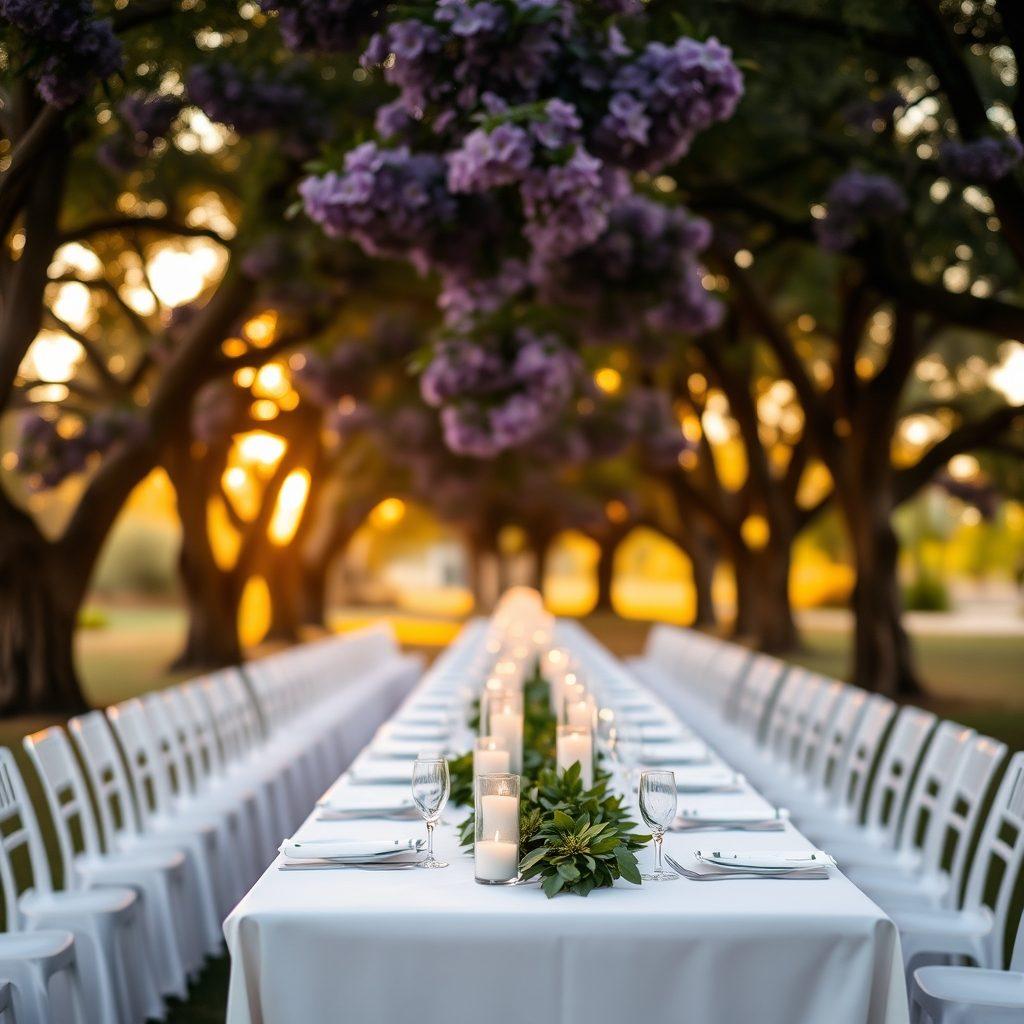
The page
Two designs. Nine colour schemes.
Pick a layout and a palette, change your mind as often as you like — your photos, story and details stay exactly where they are. Have a look:
Layout
Modern and asymmetric — oversized script off to one side, numbered sections, photos running off the page edge.
Colours (9 to choose from)
Garden — Sage green and antique gold on warm cream.

Together with their families
Sanyu& Mukisa
20.06.2026
The top of the page, at a smaller size — with your names, your photo and your date.
The website
Everything a guest needs, on one link
Share one address on WhatsApp and it opens as a proper invitation — with a photo, a countdown, and the answers to every question you'd otherwise be asked fifty times.
- Your story, your photos
- How you met, a gallery, and a longer telling behind a tap. Mark the important part of each photo and it stays in frame however the page crops it — on a phone or a laptop.
- Both venues, properly
- The ceremony and the reception are usually different places. Each gets its own name, address, time and directions link.
- Order of the day
- A simple timeline so guests know when to arrive and what happens when.
- Looks right when shared
- Sent on WhatsApp, the link previews with your names, your date and your photo — not a generic logo.
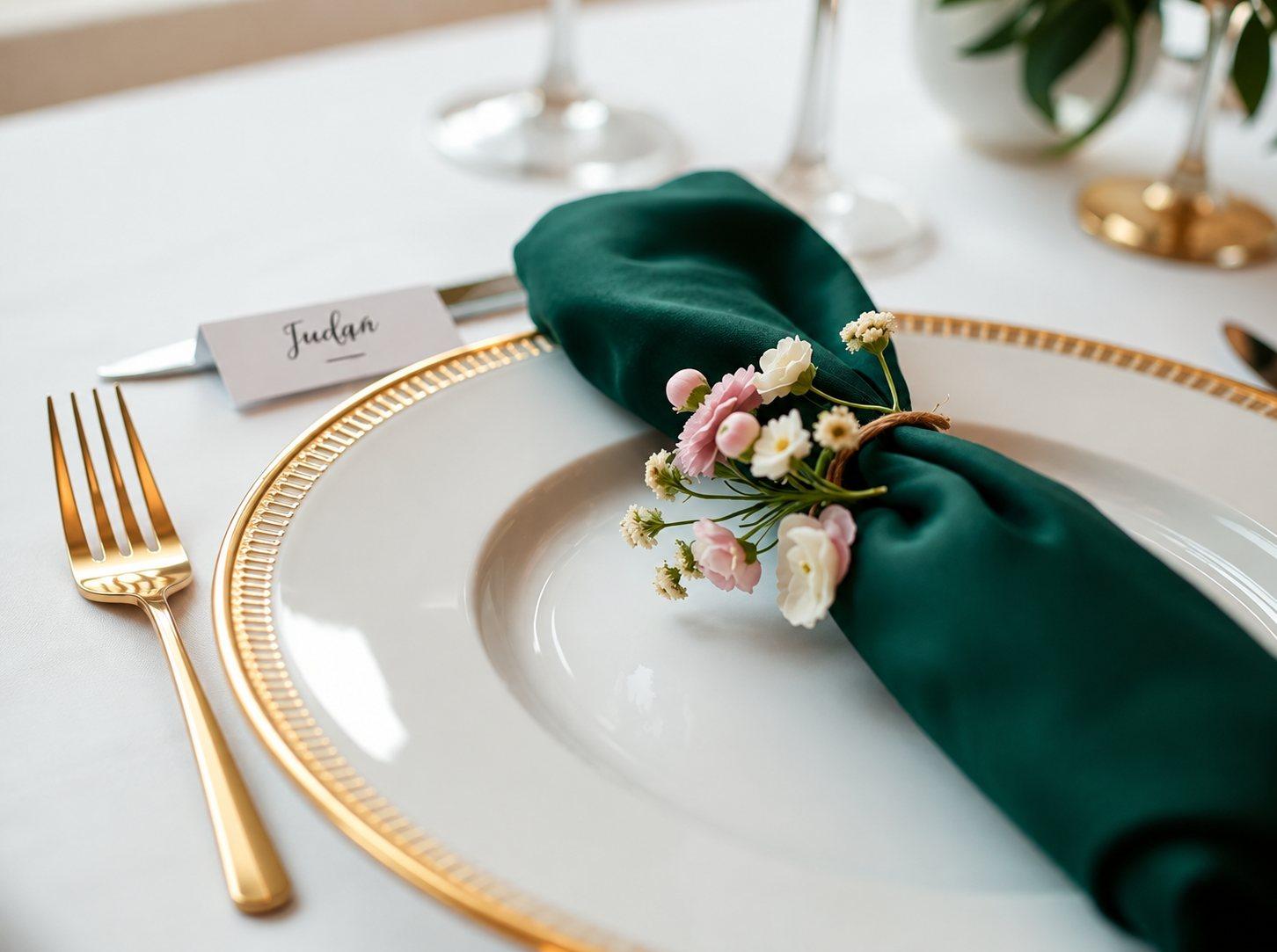
Works for more than weddings
A kwanjula is its own kind of event here, with its own wording throughout — not a wedding page with the labels changed.
The guest list
Know who's coming, and who walked in
Keep the whole list in one place instead of three WhatsApp threads and a notebook — then use it at the door on the day.
- Bring your list in
- Paste or import the names you already have rather than typing them again.
- Seats and tables
- Record how many seats each invitation covers and where they're sitting.
- Invitation cards
- Generate a card for each guest, ready to send.
- Check in on the day
- Mark guests as they arrive and watch the seat count, so you know the room as it fills.
184
Invited
126
Confirmed
98
Checked in
- Checked in
Nakato Sarah
Table 4 · 2 seats
- Confirmed
Mukasa Peter
Table 4 · 1 seat
- Confirmed
Auntie Robinah
Table 1 · 4 seats
- Invited
Ssebunya James
— · 2 seats
The gifts
Let people give however they can
Guests send money the way that suits them. You see every shilling in one place, labelled by how it arrived.
- Mobile Money, bank or cash
- Show your MTN and Airtel numbers, your bank account, or both — guests pick, and only what you've filled in is shown.
- Contributors tell you what they sent
- They submit the amount and reference; you approve or reject. Nothing lands in your totals until you say so.
- Budget and pledges
- Break the day into items so guests can see what it costs, let anyone pledge towards the total, and mark each pledge collected as the money comes in.
- Reports you can keep
- Export everything to CSV or PDF when the day is done.
Collected so far
UGX 6,670,000
- MTN MoMoUGX 4,150,000
- BankUGX 1,800,000
- Airtel MoneyUGX 520,000
- CashUGX 200,000
Share the load
Nobody plans a wedding alone
Bring in the people already helping, each with only what they need — without handing round one password.
- Roles that mean something
- Owner, Co-organizer, Page Editor, Treasurer, Guest Coordinator, Viewer — each sees a different part of the event.
- A cousin can edit the page
- A Page Editor can polish the wording and photos without ever seeing the money.
- Ushers get just the door
- Whoever is checking guests in gets the guest list and nothing else.
Built here, for how things are actually done
Kwanjula included
An introduction is a separate event with its own guests, its own venue and its own words — not a footnote on a wedding page.
MTN, Airtel and the bank
The ways people here actually send money, including bank transfer for relatives abroad.
Shillings throughout
Every amount in UGX, formatted the way you'd write it.
Kind to a phone
Photos are sized before they're sent, so pages open quickly on a modest connection.